
Appearance and opening messages
Appearance settings cover the title, names, avatars, floating button, side avatar, colors, font, typing indicator, sounds and animations. Automatically opening the chat window and displaying a teaser bubble are separate settings.
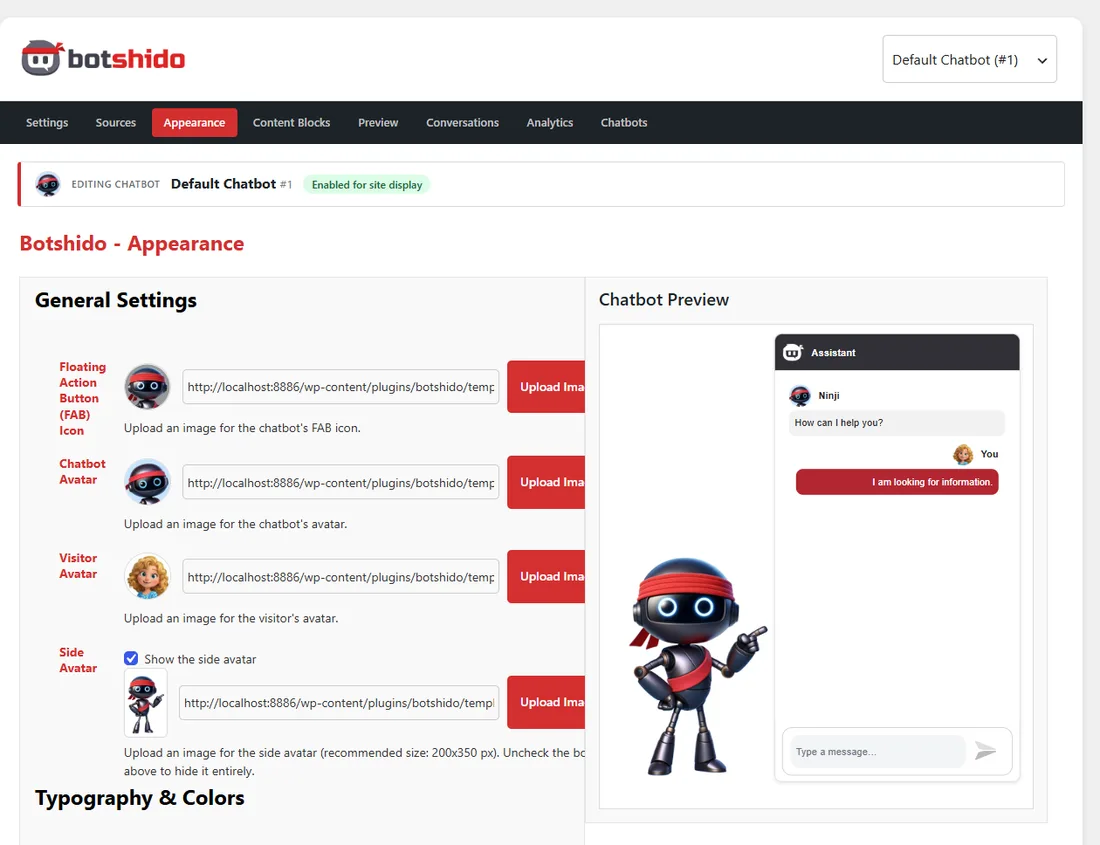
For a complete starting appearance, see bundled templates.
The three opening messages
Section titled “The three opening messages”You can enter up to three alternative greetings. The widget displays one at a time, not all three in sequence during the same opening.
- Random mode selects one of the nonempty greetings.
- Sequential mode rotates through them according to the state stored in the browser.
A new chatbot receives an initial greeting in the first field, using the site language (including Italian, with an English fallback). The other fields remain available. Existing chatbots keep their configured texts. To remove the greeting, clear all three fields and save.
Changing the interface language does not automatically translate saved custom messages.