
Human handoff
Enable Human Handoff to allow transfer to an operator. Configure availability, business hours, timezone, messages, operator name and avatar, notification email and, if needed, a webhook.
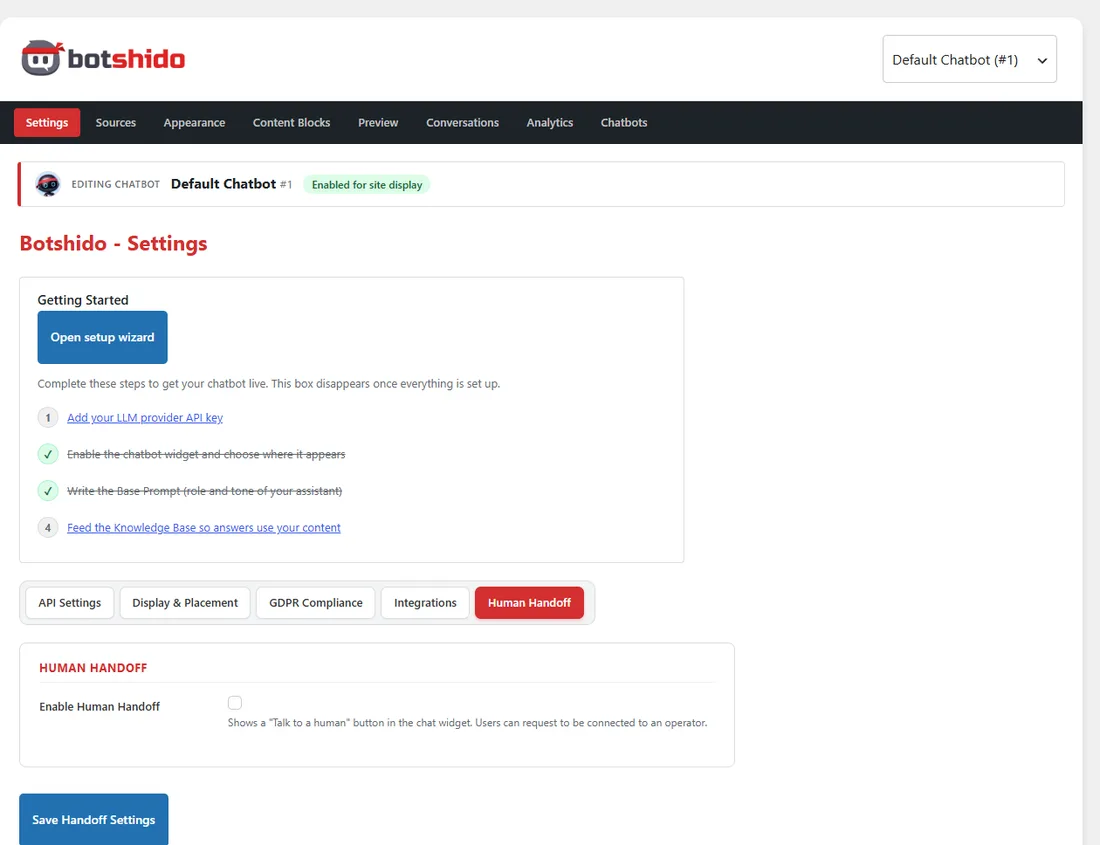
Under Manual Override:
| Choice | Effect |
|---|---|
| Follow schedule | Uses business hours in the applicable mode. |
| Force: Available now | Forces availability on. |
| Force: Unavailable | Forces availability off, for example during a closure. |
After an override, return to Follow schedule to resume scheduled availability. Declared availability does not prove that an operator is actually present: someone must monitor and take over requests in Conversations.
Waiting and closure
Section titled “Waiting and closure”Requests that remain pending without being taken over are automatically closed after a default maximum of 15 minutes. The effective limit is shown in the tab and can be customized in code. This limit does not close conversations already taken over by an operator.
The Timeout field and optional content block shown to the visitor are a separate feature; they do not replace the maximum wait. Updates run through scheduled tasks and plugin status checks, so execution to the exact second is not guaranteed on a site with no traffic.
Email and webhooks
Section titled “Email and webhooks”Check that WordPress can deliver emails. A webhook endpoint receives a handoff_requested JSON notification containing the session identifier, chatbot, availability, time, site and an administrator link to the conversation. It connects an external system; it does not provide an operator console or a WhatsApp/Slack channel on its own.