
Content blocks
Open Content Blocks. Use library search and filters to find a block, then open it in the editor. Blocks display content or start predefined actions inside the conversation.
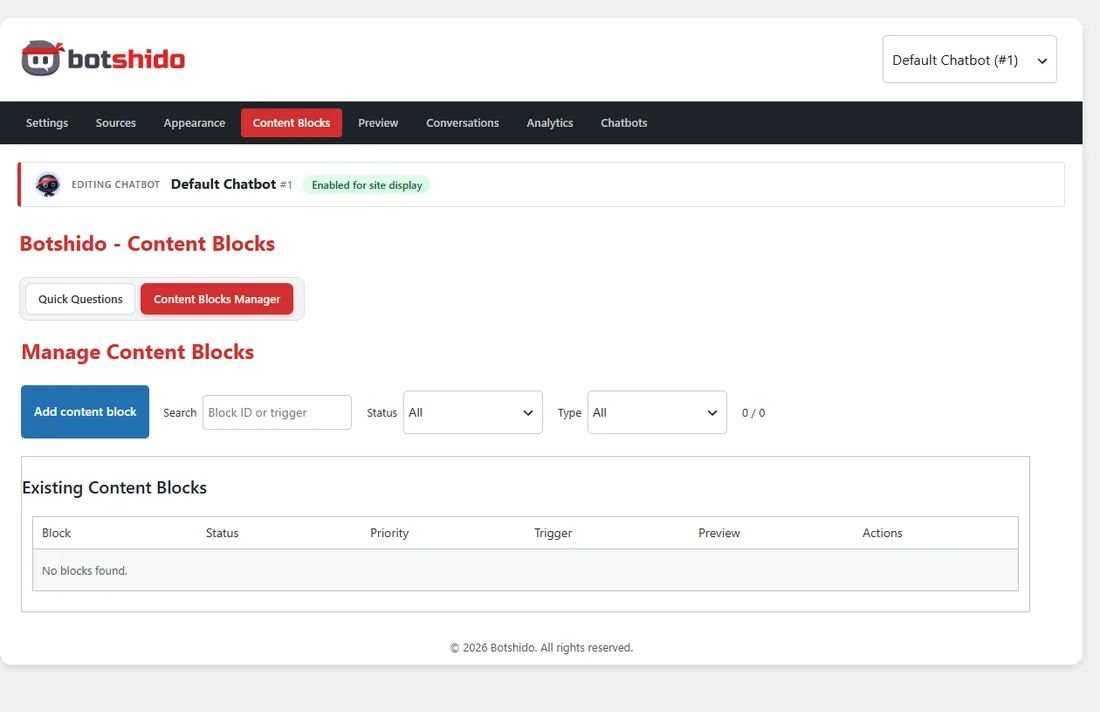
| Type | When to use it |
|---|---|
| Custom Block / HTML | Buttons, banners, images and custom content. |
| Shortcode | Content supplied by compatible WordPress shortcodes. |
| Guided Flow | Question sequences that collect answers. |
Prebuilt structures help create linked text, clickable images, lead forms, videos and chatbot-switch buttons. HTML is filtered: scripts and disallowed content may be removed. Test third-party shortcodes in the actual chat.
A block can be triggered by keywords, an AI-detected intent, a PHP regular expression or message count. Regex is an advanced feature; for example, /quote|offer/i matches either word regardless of case.
Set priority (lower numbers are evaluated first), optional once-per-session display, and a delay in milliseconds. Save before testing in chat. The visual preview checks appearance; it does not replace testing triggers, forms or integrations.