Quick questions
Quick Questions are buttons that save visitors from typing a question. You can configure up to ten and customize the bar and button colors. The bar hides after the first message.
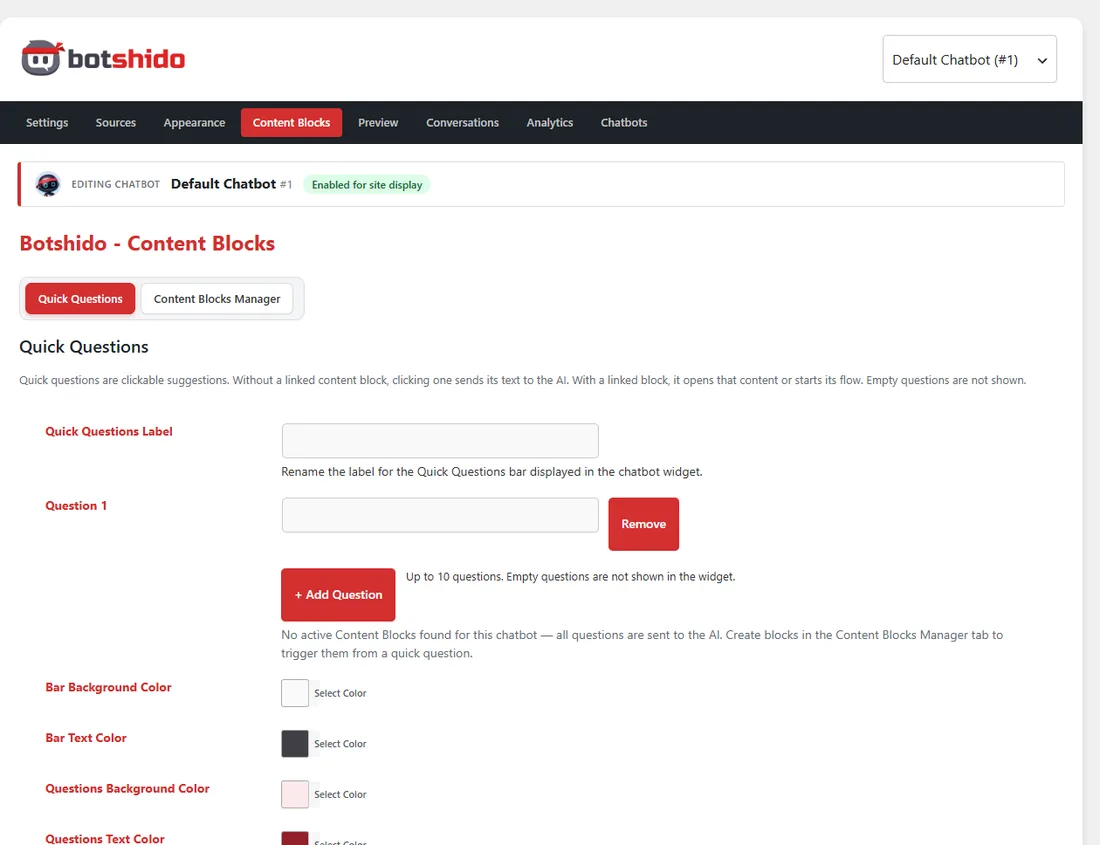
For each question, choose:
- Send to AI: the text is submitted as a question to the model.
- Content block: opens the selected block directly, such as a quote-request flow.
The clicked text is added to the conversation history. If the block starts a flow, subsequent answers also become part of the conversation. Select a block belonging to the current chatbot and test after saving.